1. Launch Vibecanvas
Start Vibecanvas from any project folder.
vibecanvas
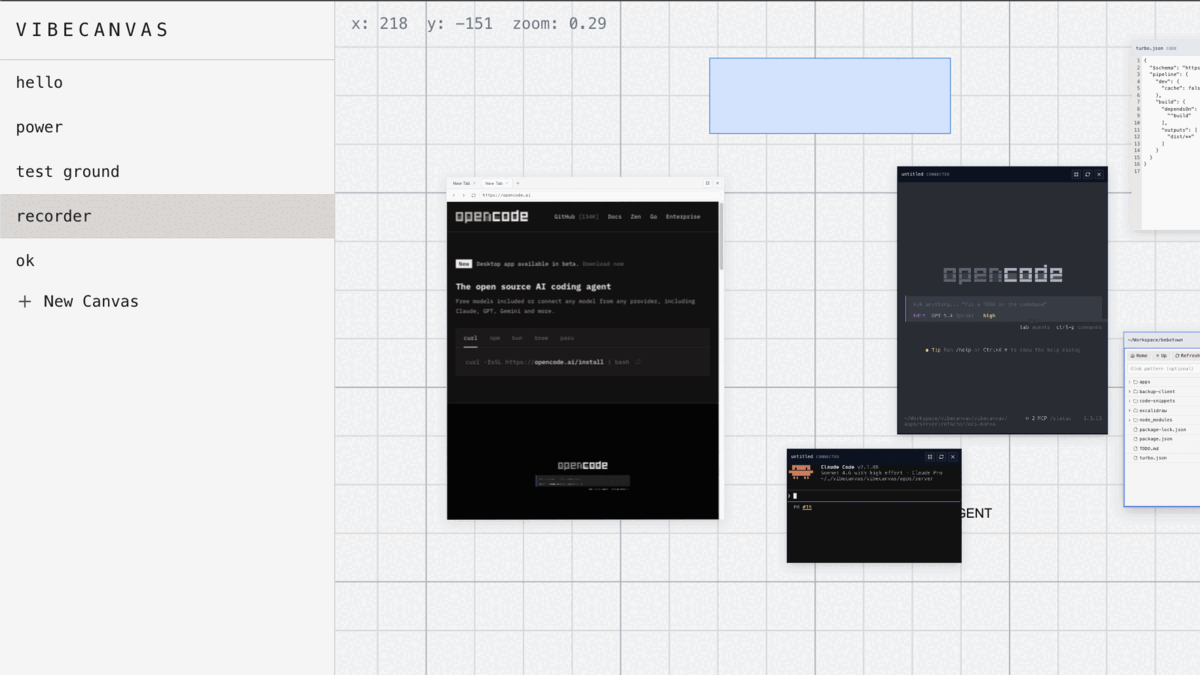
vibecanvas upgrade --checkSketch ideas, open terminals and files, and ship code in one workspace.
Install with one command.
curl -fsSL https://vibecanvas.dev/install | bashStart Vibecanvas from any project folder.
vibecanvas
vibecanvas upgrade --checkOpen a project, then create terminal and filesystem widgets on the canvas.
Use the docs section for setup, canvas flow, terminal usage, and troubleshooting.
Go to /docs